
Excel Training for Manufacturers
Microsoft Excel is one of the most widely used tools in manufacturing, but many employees only use a small portion of what it can do. These hands-on Excel courses are designed to help participants build stronger worksheet habits, improve accuracy, work more efficiently, and better organize, analyze, and present data.
Whether someone is new to Excel, looking for a refresher, or ready to work with more advanced formulas and analysis tools, this three-module series provides a practical path to improve confidence and productivity.
Why Excel Training?
In manufacturing, teams rely on Excel for production tracking, scheduling, quality data, inventory, reporting, estimating, and daily decision-making. When worksheets are not designed well or users lack confidence, errors, wasted time, and inconsistent reporting can quickly follow.
These courses help participants build practical Excel skills they can immediately apply in their daily work.
The 3 Excel Training Modules:
- Excel Basics & Beyond – Module 1 – Learn how Excel works, build strong worksheet habits, enter and format data, use basic formulas, manage multiple sheets, and prepare worksheets for printing.
- Excel Intermediate – Module 2 – Strengthen productivity with sorting, filtering, XLookup/VLookup, concatenation, subtotals, conditional formatting, slicers, advanced printing, and an introduction to Pivot Tables.
- Excel Advanced – Module 3 – Build more advanced analysis skills using auditing tools, IF and SUMIF functions, Index & Match, conditional formatting formulas, Analysis ToolPak, Pivot Tables, slicers, macros, and data consolidation.
Course Details:
- Module 1: Excel Basics & Beyond
Length: 3 hours
Skill Level: Introduction
Prerequisites: No prerequisites - Module 2: Excel Intermediate
Length: 3 hours
Skill Level: Intermediate
Prerequisites: Some Excel knowledge is helpful - Module 3: Excel Advanced
Length: 3 hours
Skill Level: Intermediate to Advanced
Prerequisites: Good working knowledge of Excel
Who Should Attend:
This training series is designed for employees, supervisors, managers, administrative staff, and team members who use Excel to organize information, track activity, analyze data, or prepare reports. Participants will walk away with practical skills to:
- Build cleaner and more effective worksheets
- Navigate Excel more efficiently
- Reduce errors and improve consistency
- Use formulas, formatting, sorting, filtering, and reporting tools more effectively
- Better organize and analyze data for daily decision-making
About the Course
- Led by an experienced professional with a proven record of success.
- Content Level: Introductory through Advanced (based on module selection)
- Course Requirements: Vary by module
- Module 1: No prerequisites
- Module 2: Some Excel knowledge recommended
- Module 3: Good working knowledge of Excel required
- Number of Sessions: 1 per module
- Length: 3 hours per module
- Maximum Class Size: 15 participants
- WedNET Eligible: Yes. These courses are generally reimbursable under the WedNET PA state training grant at up to $2,000 per employee (subject to eligibility, funding, and compliance). At your request, MANTEC’s grant specialists can assist you with WedNET or other funding programs to help reduce your net training investment.
Upcoming Course
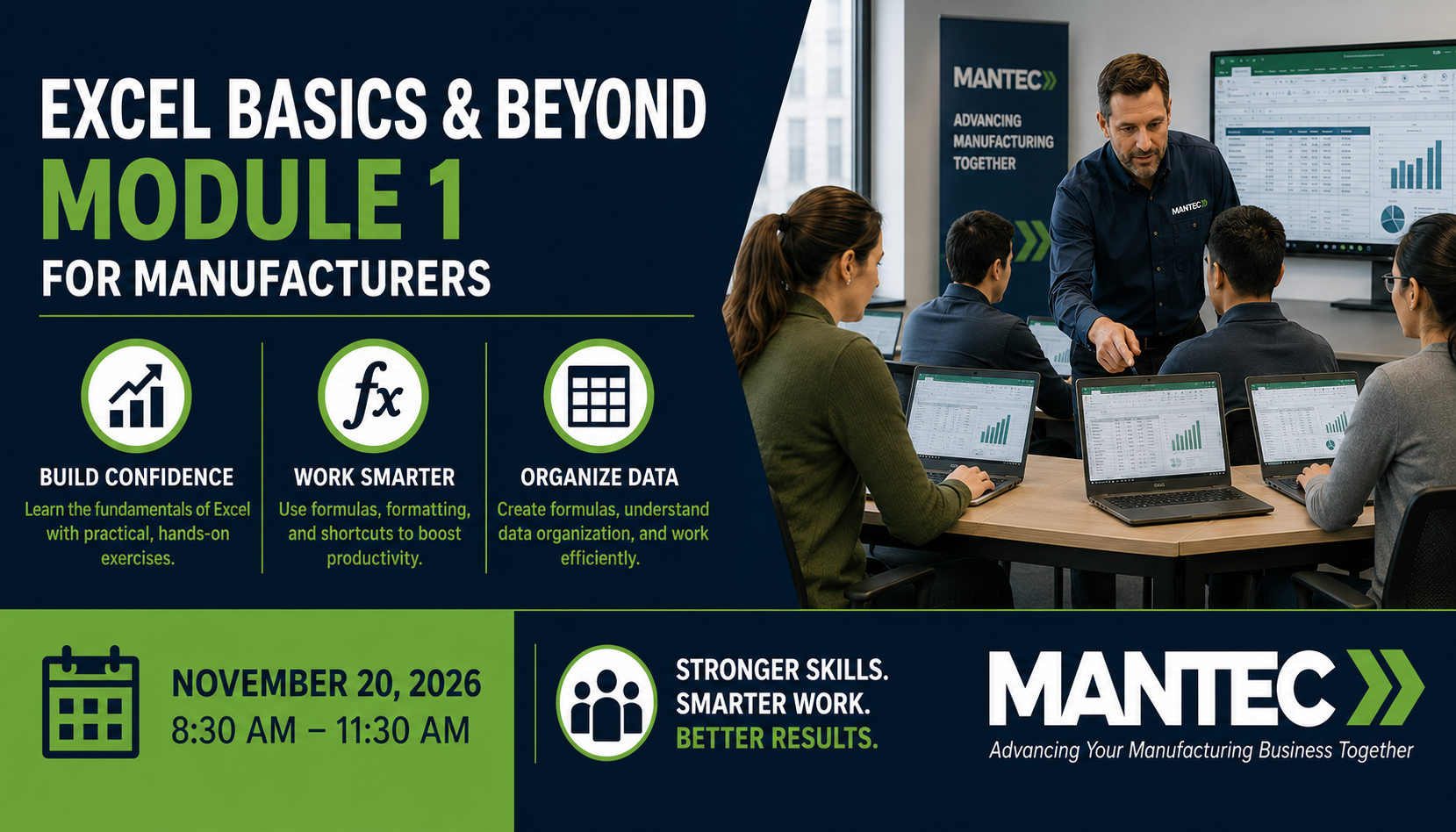
Excel Basics & Beyond – Module 1 (Fall 2026)
Dates: Nov 20, 2026
Time: 8:30 am – 11:30 pm
Price: $249.00
Location: MANTEC, Knowledge Park, 427 Kings Mill Road, York, PA 17401
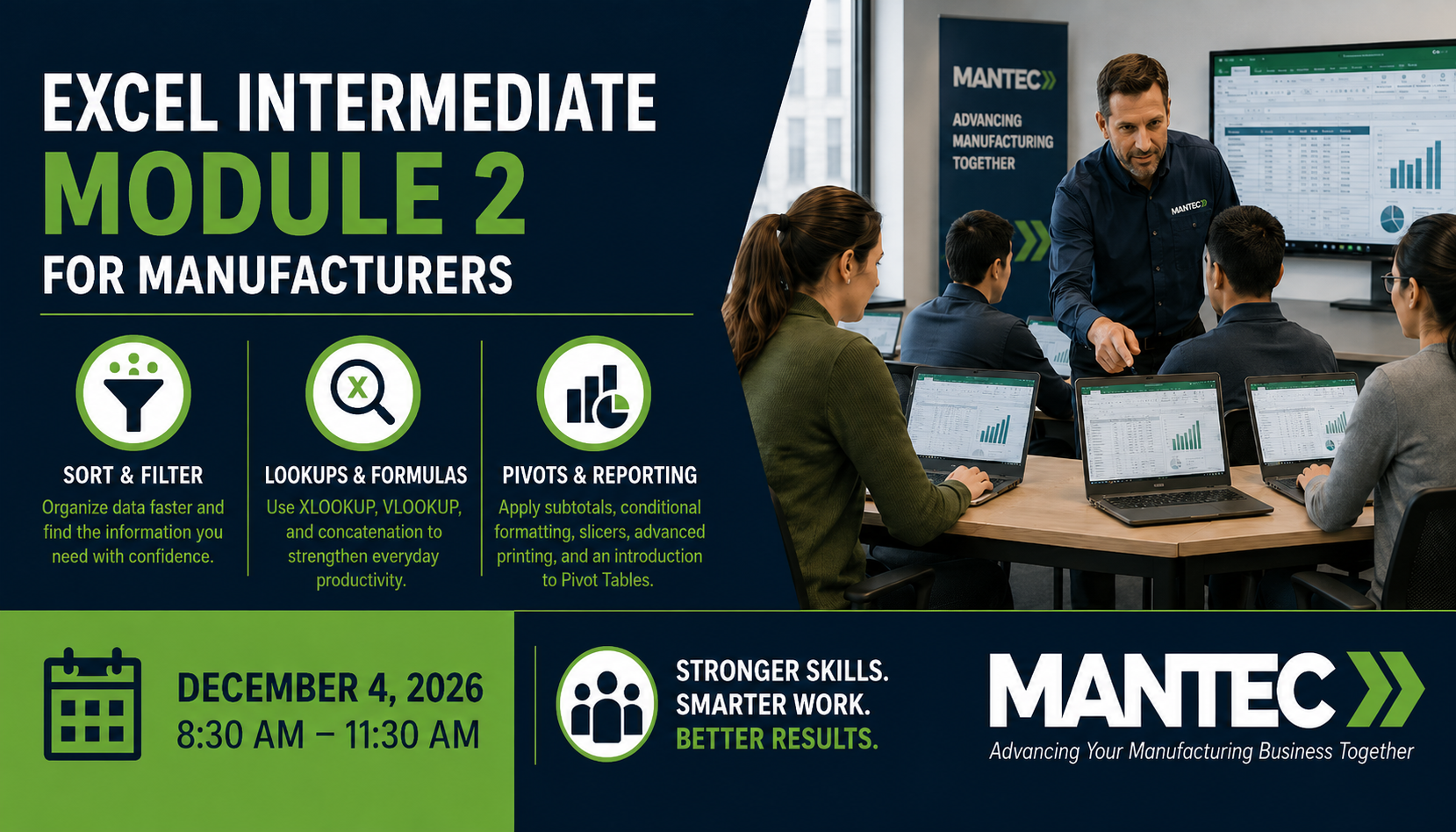
Excel Basics & Beyond – Module 2 (Fall 2026)
Dates: Dec 4, 2026
Time: 8:30 am – 11:30 pm
Price: $249.00
Location: MANTEC, Knowledge Park, 427 Kings Mill Road, York, PA 17401
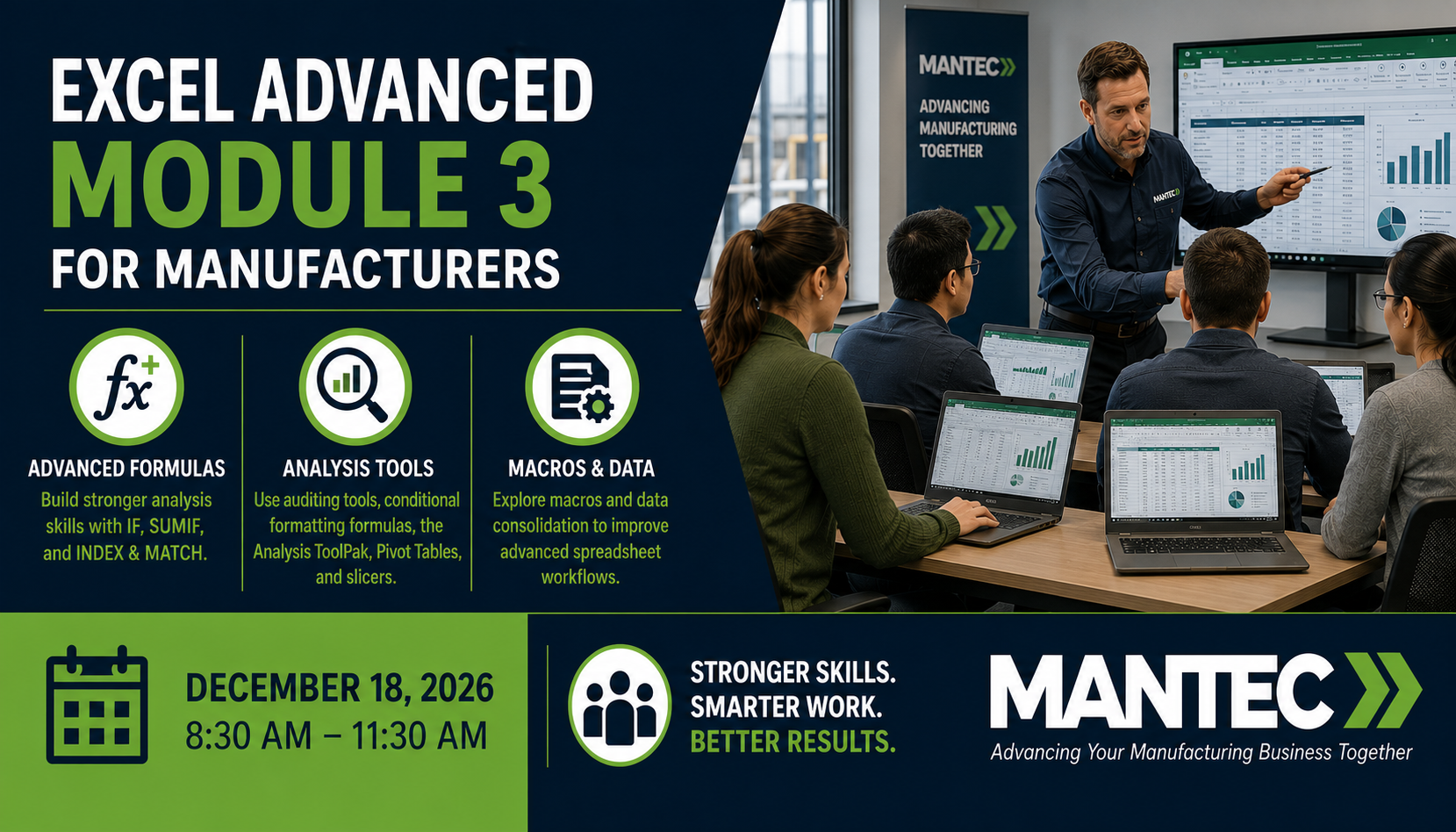
Excel Basics & Beyond – Module 3 (Fall 2026)
Dates: Dec 18, 2026
Time: 8:30 am – 11:30 pm
Price: $249.00
Location: MANTEC, Knowledge Park, 427 Kings Mill Road, York, PA 17401